The organisation needed one consistent operating sequence.
Concept work. This case study illustrates PSCS’ approach using a representative concept brand. It does not depict a named client or verified results.
CASE STUDY / OPERATIONS AUTOMATION
DUMMY CONTENT / DESIGN PREVIEWOperations,
working as one.
A connected operations system bringing orders, workflows, inventory and team activity into one controlled platform.
Explore the case study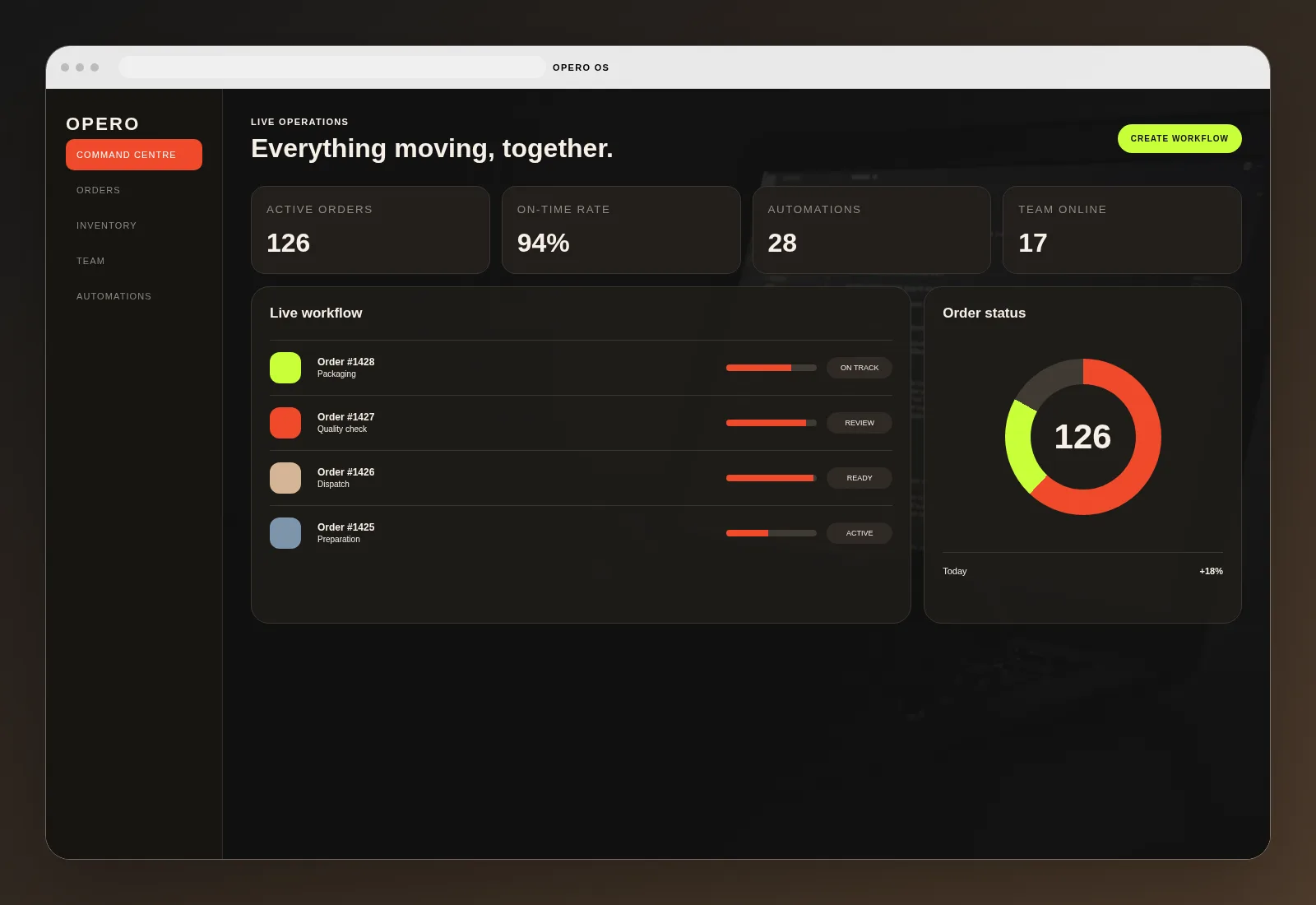
CLIENTOpero
Dummy Brand
Dummy Brand
INDUSTRYBusiness Operations &
Workflow Automation
Workflow Automation
DELIVEREDOperations Platform
Automation
Automation
PLATFORMSWeb Dashboard
Cloud
Cloud
PROJECT TYPESystem Design &
Engineering
Engineering
THE BUSINESS PROBLEM
The business was growing, but its daily operations were still held together by manual work.
Orders, inventory, team actions and reporting lived in separate systems and spreadsheets. Managers spent time coordinating work rather than improving it.
The company needed one operating system that could connect workflows, ownership, status and performance.
KEY CHALLENGES
What needed to change.
The project focused on process control, visibility, automation and accountability across daily operations.
Status, responsibility and deadlines needed to be visible.
Orders and inventory needed real-time visibility.
Performance and exceptions needed one reliable source.
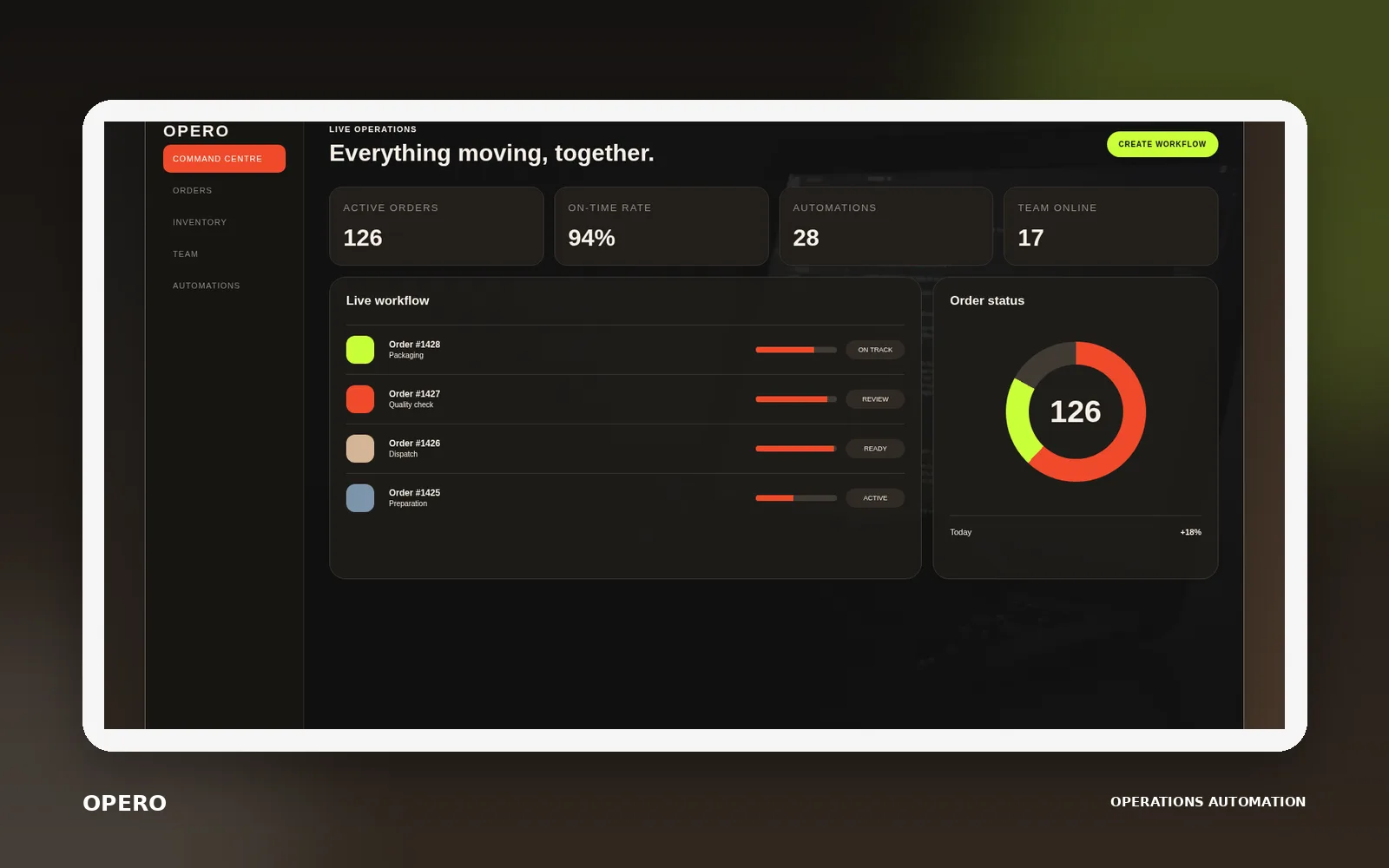
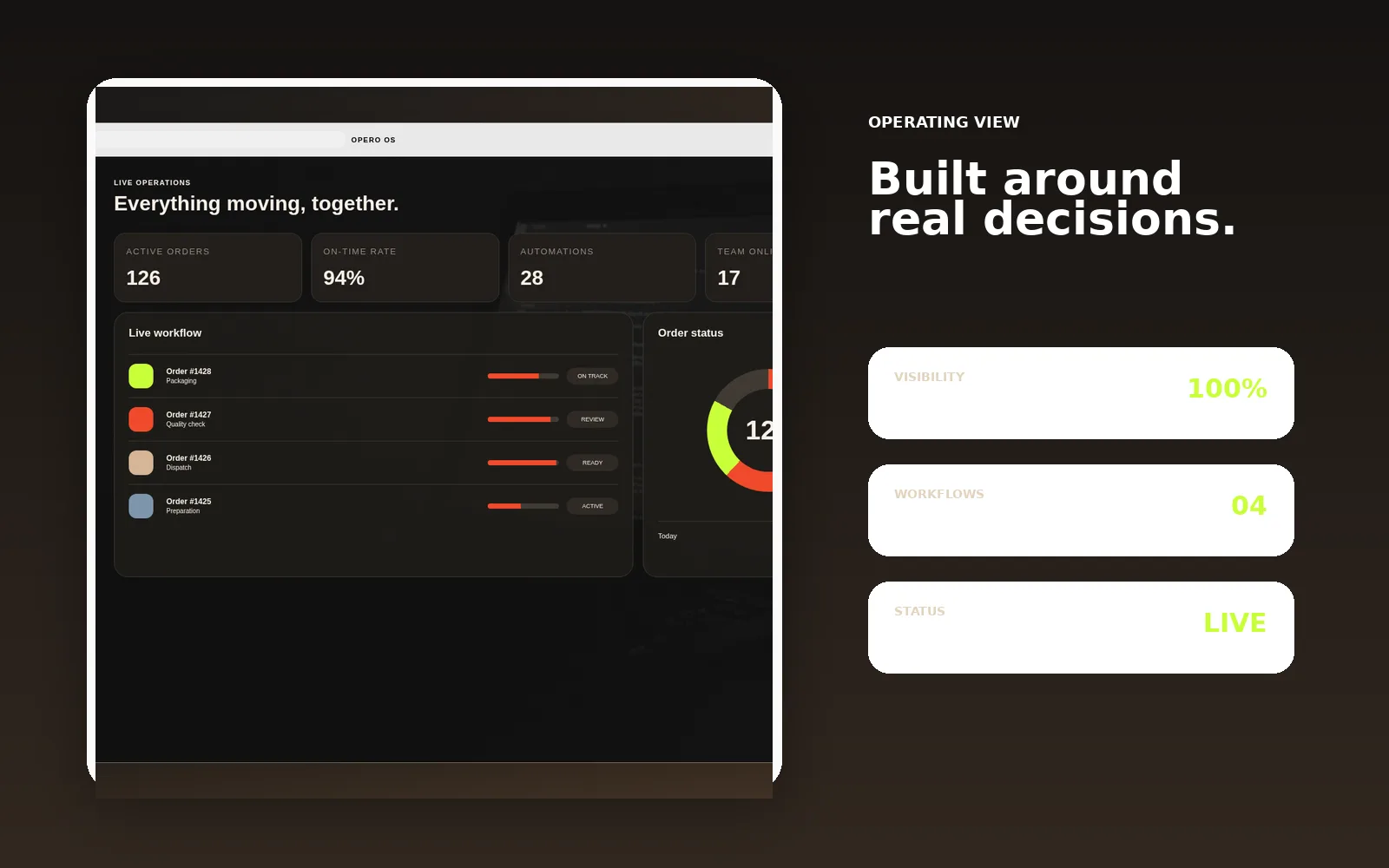
Orders, workflow status, inventory and team activity were combined into one real-time operating view.
THE SOLUTION
One connected operations system.
PSCS designed the system around the complete movement of work, from incoming demand to final completion.
01Live workflow
Every active item, owner, stage and exception visible.
02Rule-based automation
Routine actions triggered automatically by status and conditions.
03Inventory control
Real-time availability, movement and operational alerts.
04Management reporting
Performance, delays and exceptions visible without manual consolidation.
Operational steps were standardised and connected so work could move without constant manual follow-up.
HOW PSCS APPROACHED ITProcess first.
Process first.
Software second.
The work began by understanding how the business actually operated, including exceptions, dependencies and ownership.
Current workflows, delays, dependencies and manual effort.
Standard stages, ownership, rules and exceptions.
Command centre, work queues and management views.
Triggers, integrations, notifications and data logic.
Training, rollout, monitoring and optimisation.
From active work
to management control.
SELECTED INTERFACES / 02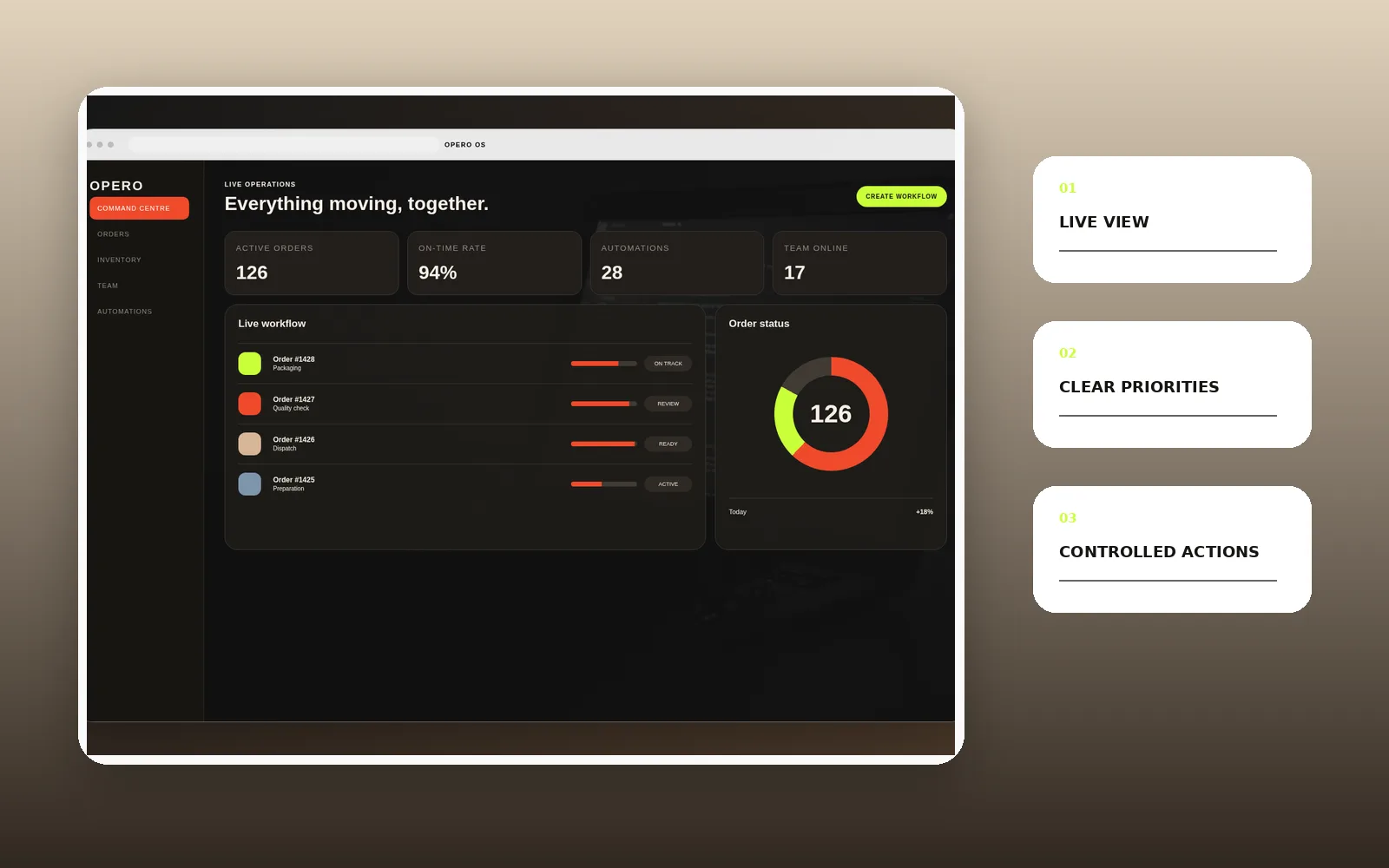
Business impact.
These figures are dummy values for the design preview. Final case studies will use verified and client-approved results only.
42%LESS MANUAL FOLLOW-UPRoutine coordination reduced through visible ownership and automation.
26%FASTER COMPLETIONWork moved through standard operating stages more quickly.
1SOURCE OF TRUTHOrders, inventory and workflow status in one platform.
18%FEWER EXCEPTIONSImproved visibility reduced avoidable delays and missed actions.
SAMPLE METRICS FOR LAYOUT PREVIEW. FINAL CASE STUDIES WILL USE CLIENT-APPROVED DATA ONLY.
“The platform gave the team structure without slowing them down. Everyone could see what was moving and what was stuck.”
NEHA MENON / COO, OPERODUMMY TESTIMONIAL FOR DESIGN PREVIEW
Technology and integrations.
WORKFLOW ENGINEERP INTEGRATIONCLOUD DATABASEROLE ACCESSNOTIFICATIONSBUSINESS ANALYTICS
Let’s build the right solution.
Tell us what is slowing the business down, creating risk or limiting growth. We will help define the practical next step.
Discuss your project